


The first Georgian digital space

Keep track of your neighborhood’s income and expenses, hire specialists for the services you need and bring your neighbors together in one space
Digital Space for Neighborhoods
A digital platform for managing neighborhood finances that makes handling building needs more flexible and convenient
City Portal
A digital platform for building managers that enables easy and transparent management of the building’s budget, as well as the organization of neighbors and service providers
Neighborhood Elections
A space where neighbors can make decisions on various community matters or elect a building manager online—based on the principles of fair and transparent voting
How is a neighborhood’s individual membership fee determined?



How is a neighborhood’s individual membership fee determined?
Citycom neighbors
Learn more about Citycom neighbors and their community-driven initiatives
სახელი გვარი
დანელიას სამეზობლო
სახელი გვარი
დანელიას სამეზობლო
სახელი გვარი
დანელიას სამეზობლო
სახელი გვარი
დანელიას სამეზობლო
სახელი გვარი
დანელიას სამეზობლო
სახელი გვარი
დანელიას სამეზობლო
Blog
Citycom neighbors, inspiring updates, innovations and more…
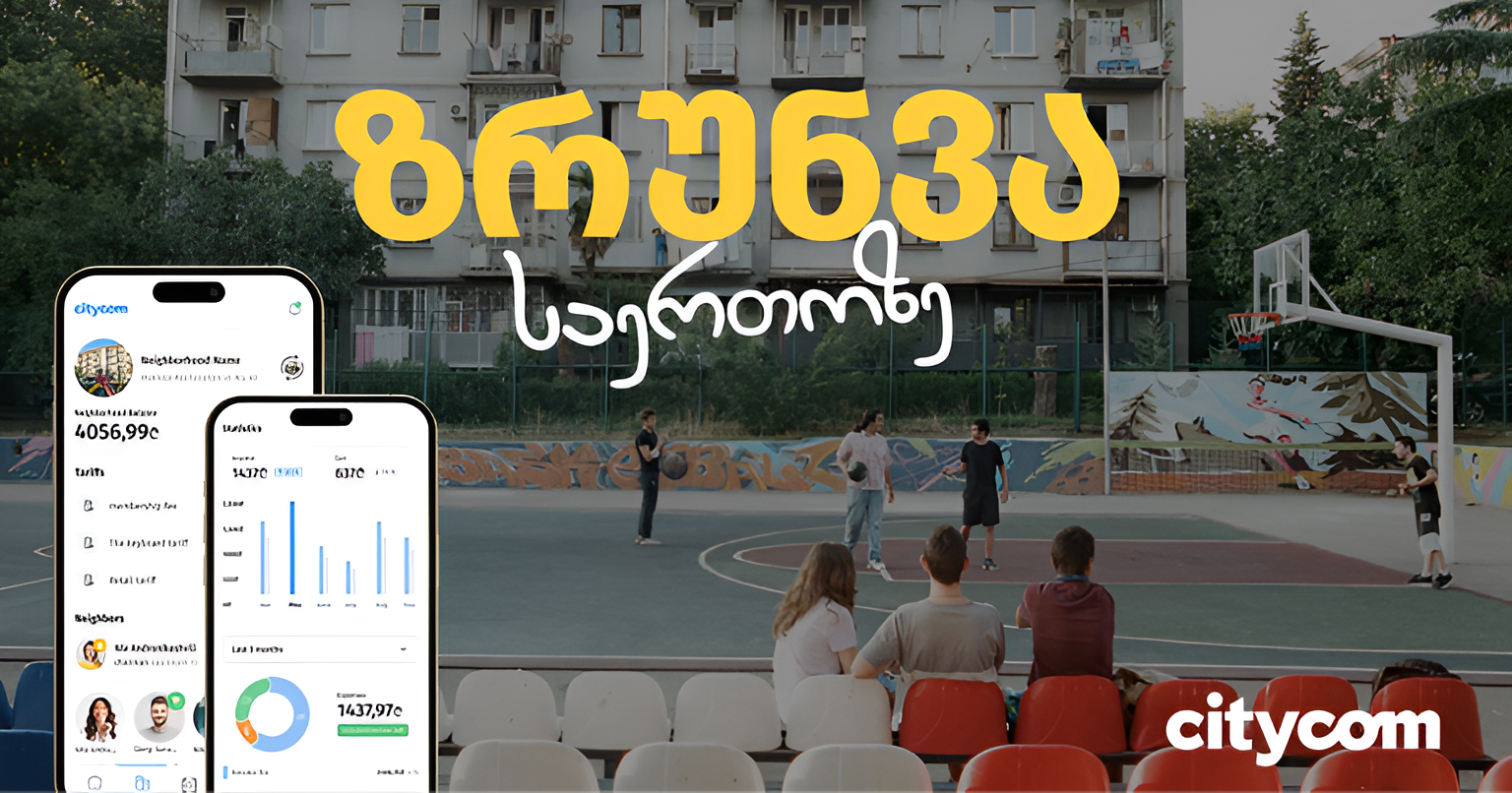
სითიქომი – სამეზობლოს პირველი ქართული ციფრული…

მეზობლობის საერთაშორისო დღე: როგორ აღინიშნა ეს…
Frequently Asked Questions
1. How does Citycom help in the neighborhood?
Your building is in your smartphone!
In CityCom’s digital space, neighbors can transparently collect and manage shared community funds directly from their smartphones — all for common neighborhood goals.
2. What is the monthly fee?
The monthly membership fee is calculated individually for each neighborhood based on its specific needs.
The formula is the ratio of total neighborhood expenses to the number of active neighbors = the neighborhood membership fee
The membership fee covers all current expenses and includes an additional amount saved progressively for the neighborhood’s future goals.
3. What happens if a neighbor doesn’t pay?
In case of non-payment, a CityCom resident will temporarily lose access to the elevator and will be charged a GEL 3 fine. This measure is designed to ensure the uninterrupted coverage of shared neighborhood expenses.
4. How can we choose a building manager for our neighborhood?
If your neighborhood does not yet have a building manager, you can easily change that with CityCom’s election feature.
You and your neighbors can participate remotely in a transparent and objective process — you will receive an SMS with a link where you can view brief information about the candidates and cast your vote with a single click.
5. Where can I find service providers?
You can choose the service provider best suited for your neighborhood through CityCom’s Services Marketplace, where information on up to 3,000 providers recommended by CityCom residents is available.
Providers listed in the Services Marketplace are fully responsible for the services they deliver, as they operate independently from CityCom.
6. What if I’m not satisfied with a service provider?
If you are not satisfied with your neighborhood’s service provider, you can change it at any time — either independently or with the help of our team.
If you are a building manager, contact your neighborhood’s personal manager. They will be happy to assist you in selecting the right provider for your community.
If you are a resident, please contact your building manager regarding this matter.
7. Where can I buy a Citycom card?
CityCom cards are available for purchase at partner branches of Europroduct and Biblus.
View locations 👉 https://link.citycom.ge/partner
8. Who should I contact if I have questions?
If you are a resident, for any questions please speak with your building manager or contact us via our hotline or social media channels.
Hotline number: 2 23 24 25
If you are a building manager, for any questions please contact your neighborhood’s personal manager.
Business hours: Monday–Friday, 10:00–19:00
9. What should I do if the card system experiences a malfunction?
In case of a technical malfunction of the elevator or door card access system, please contact our hotline at 2 23 24 25.
Please note that CityCom is responsible only for the proper technical functioning of the card access system equipment and not for any physical damage to the elevator or door itself.